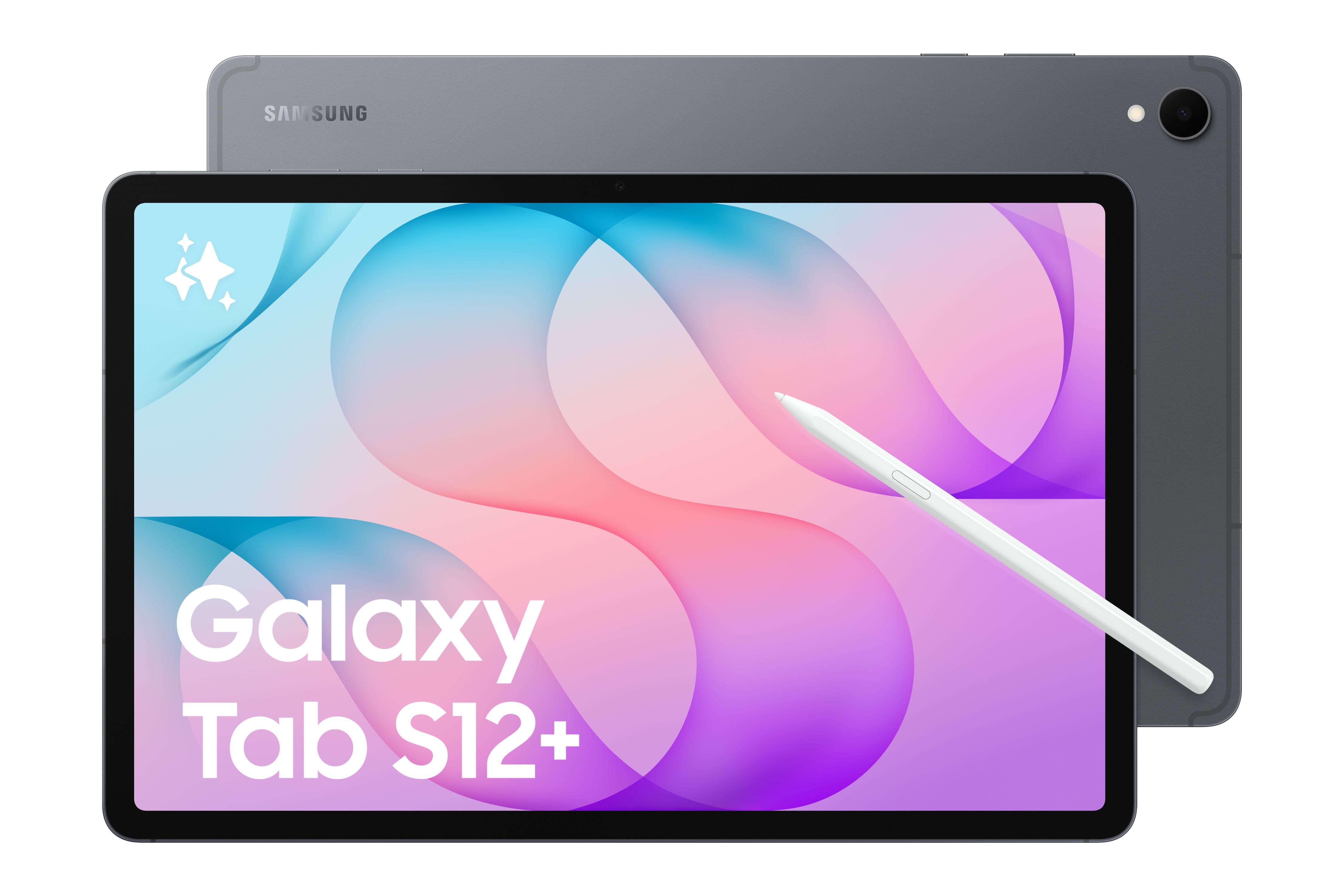
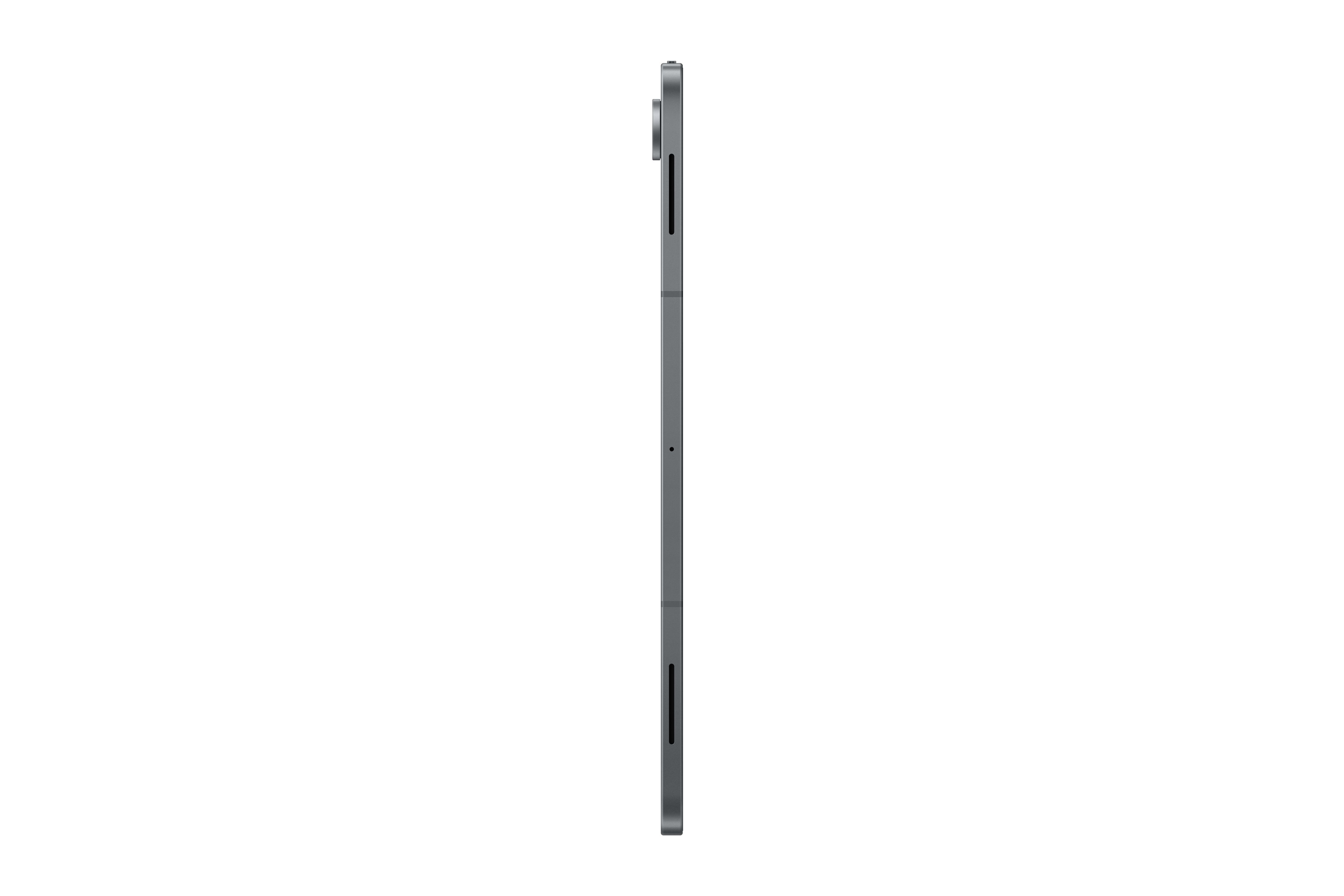
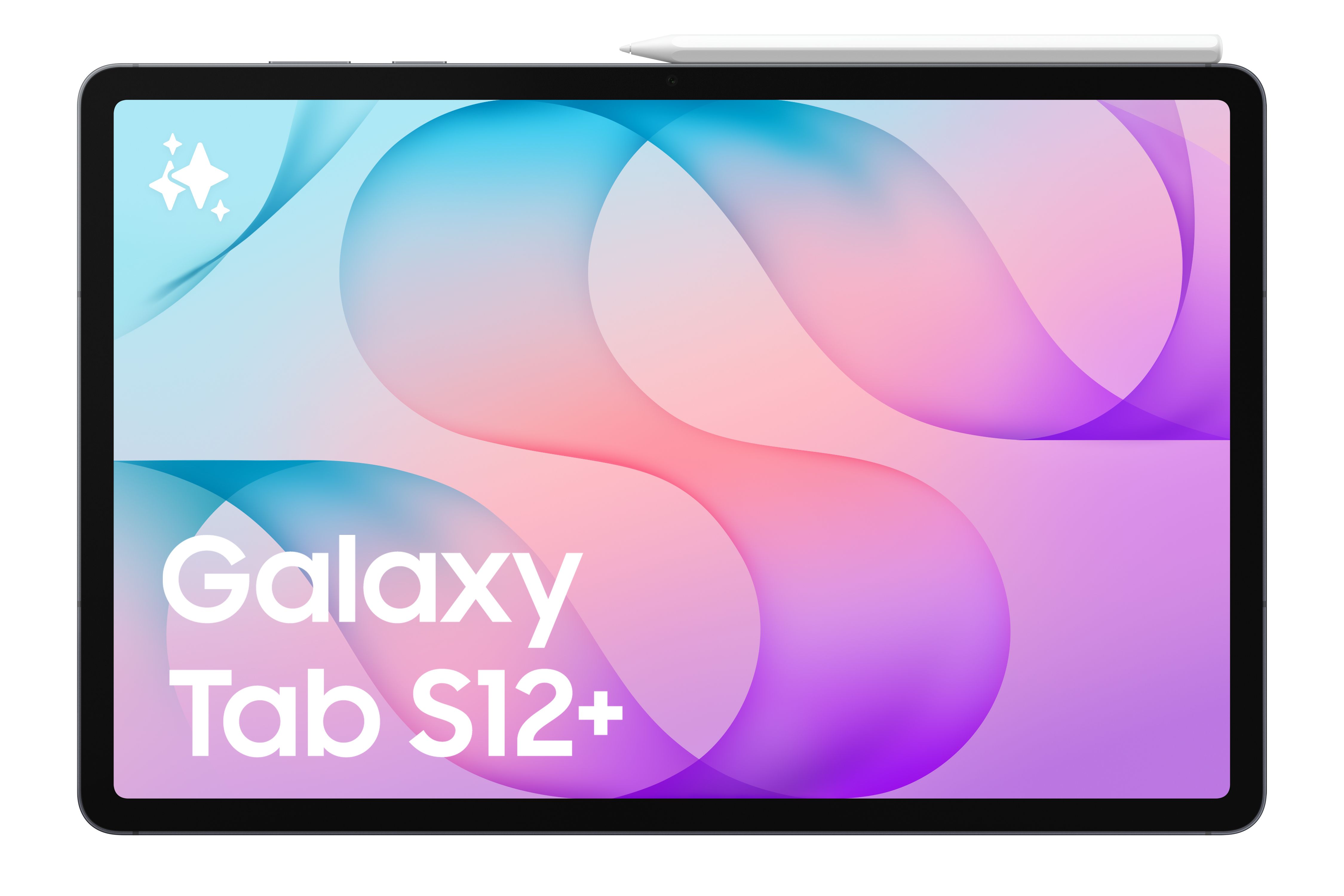
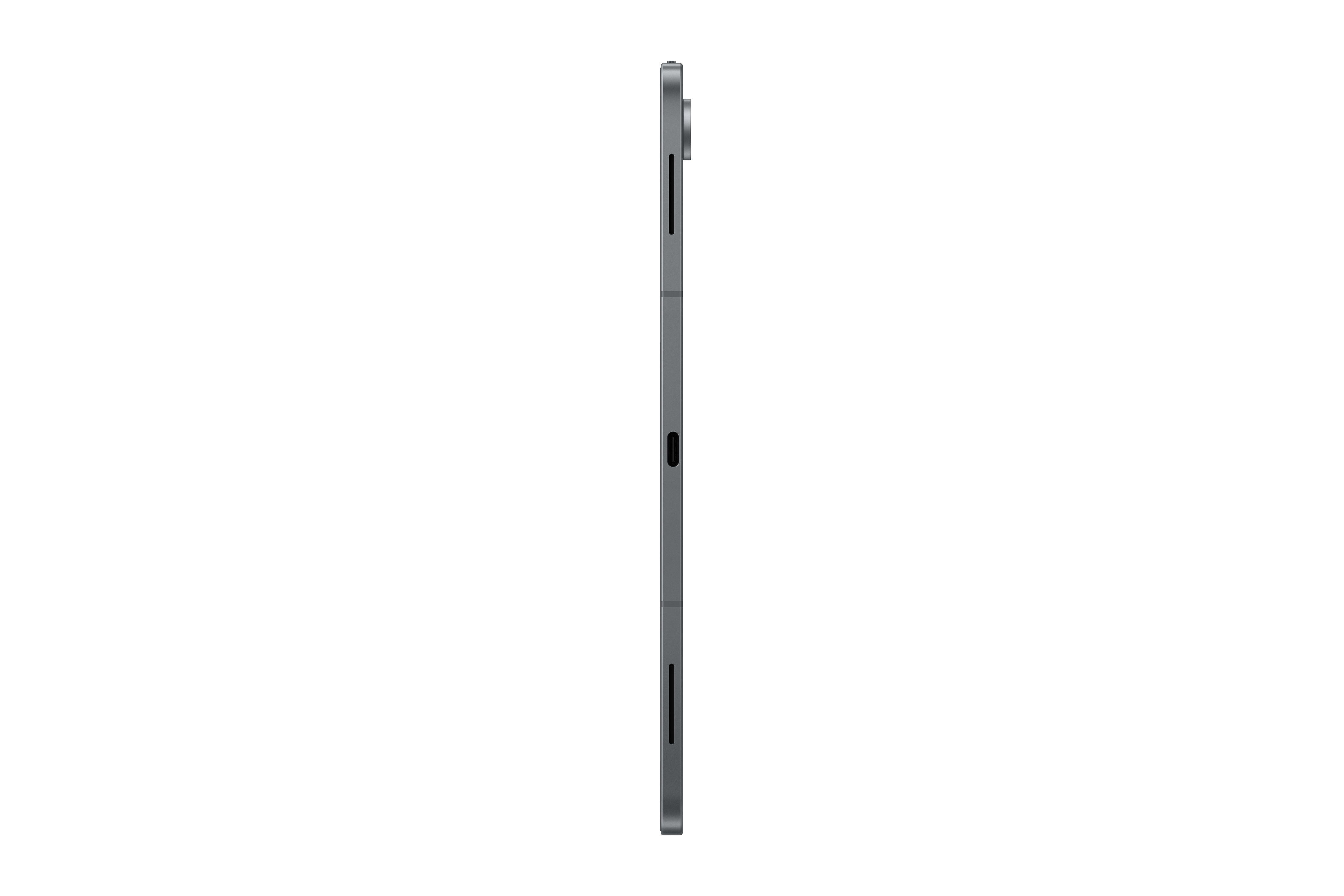
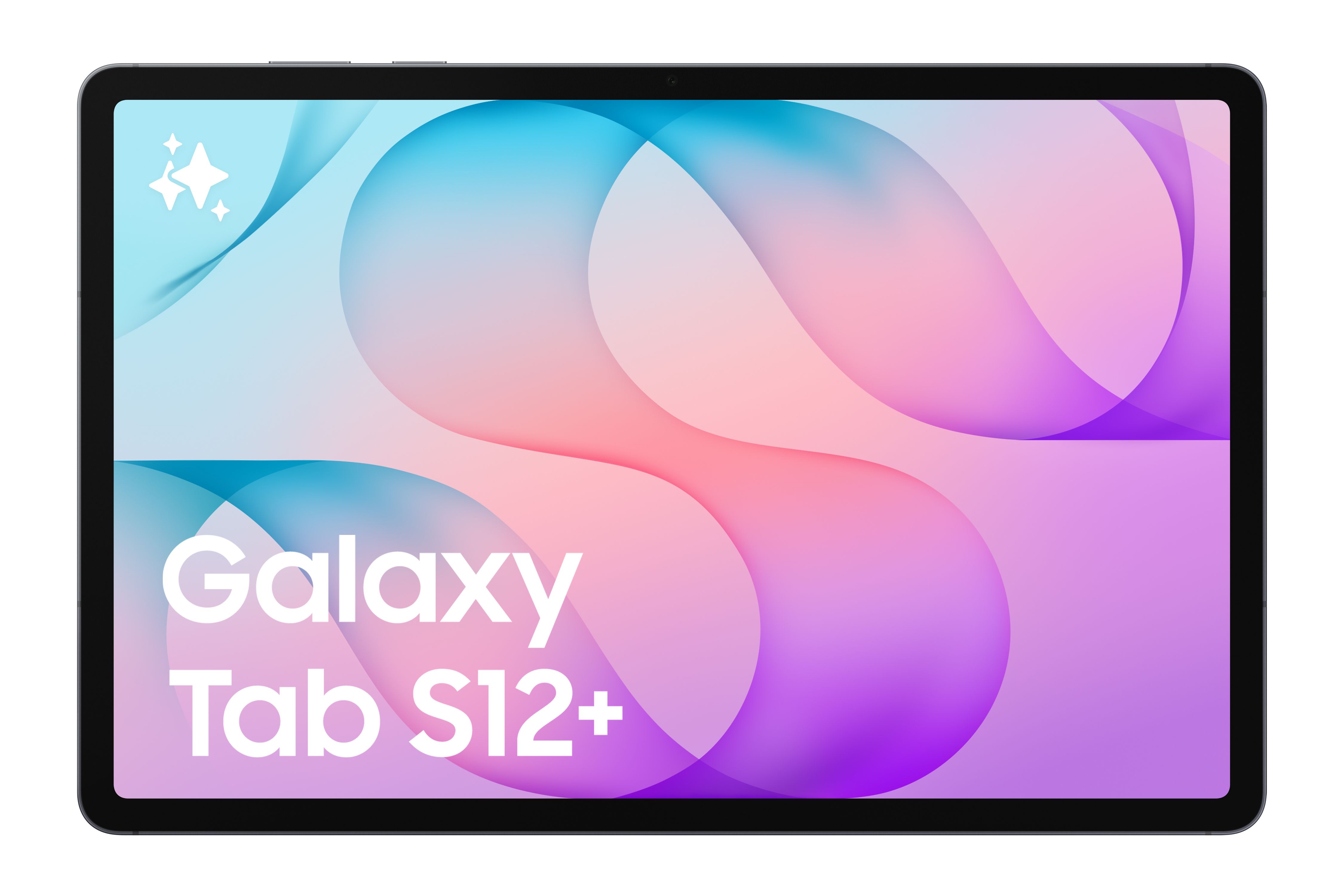
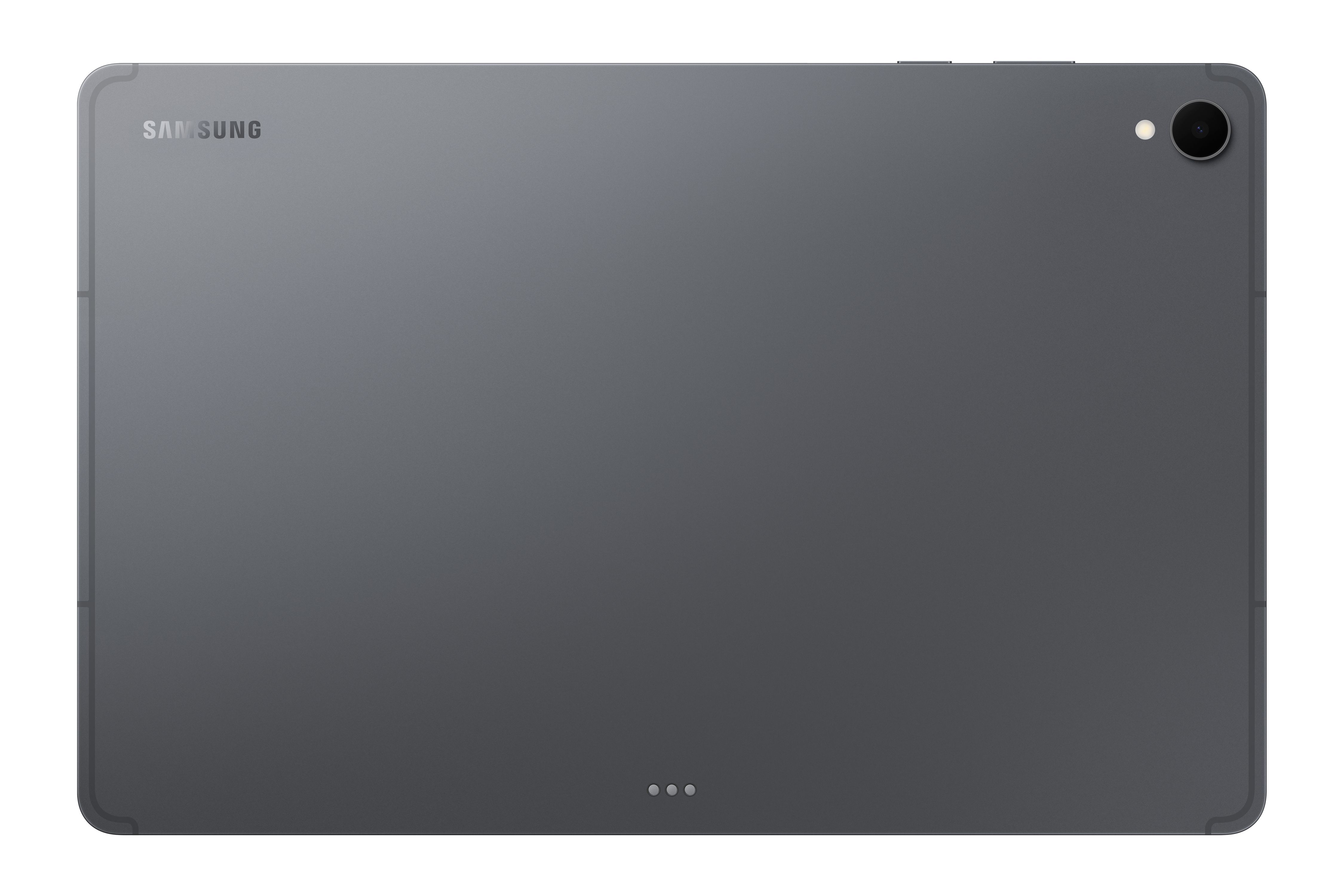
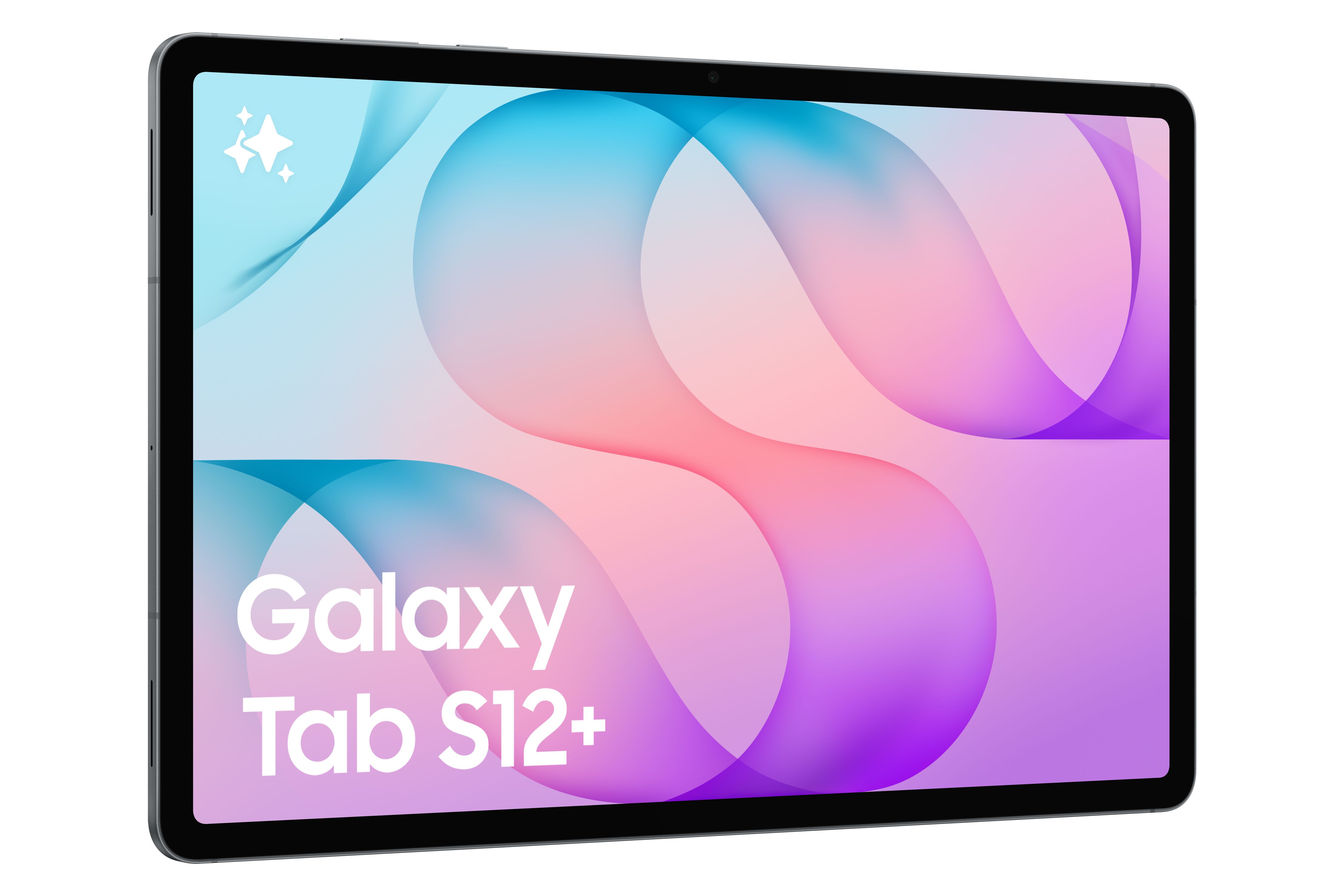
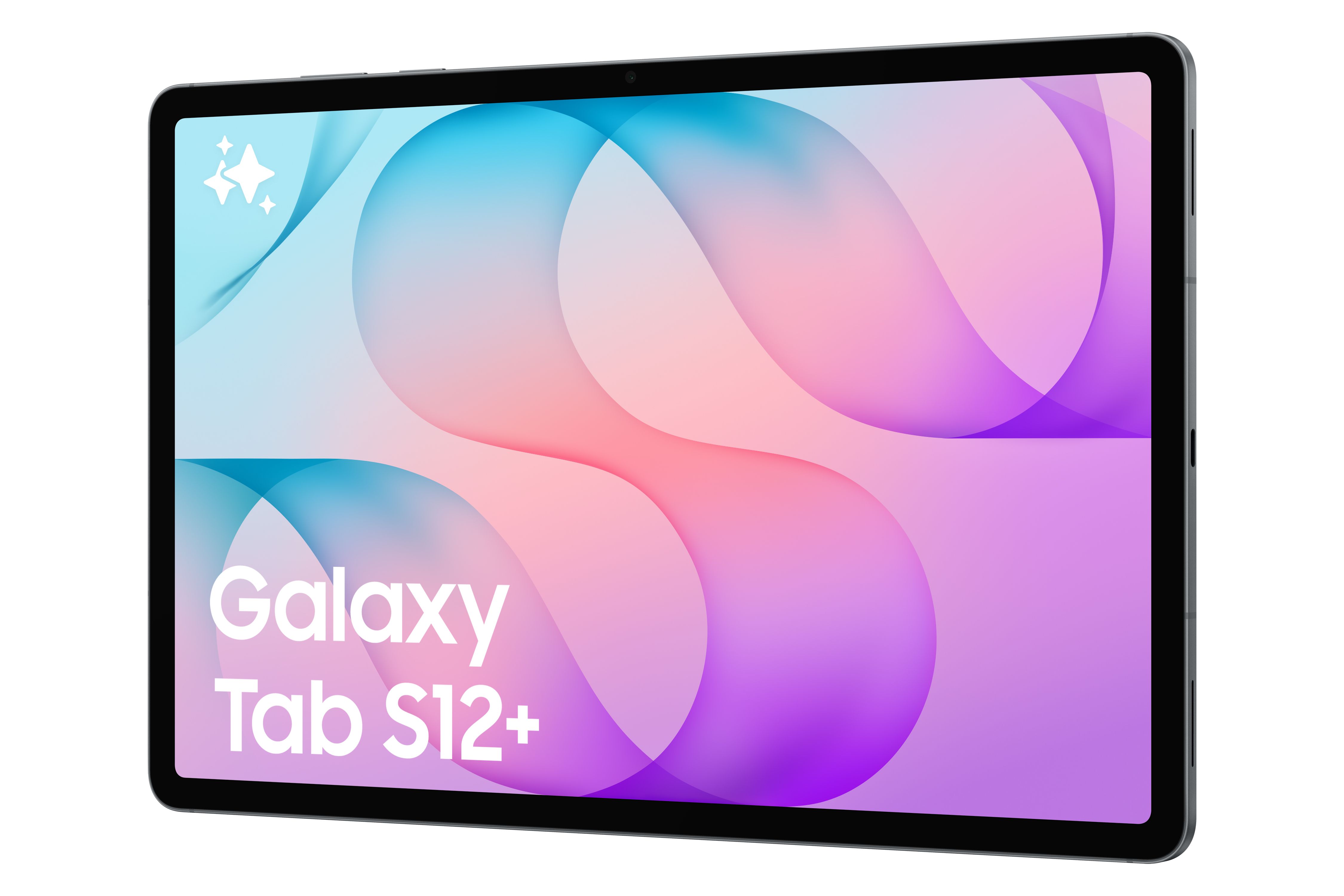
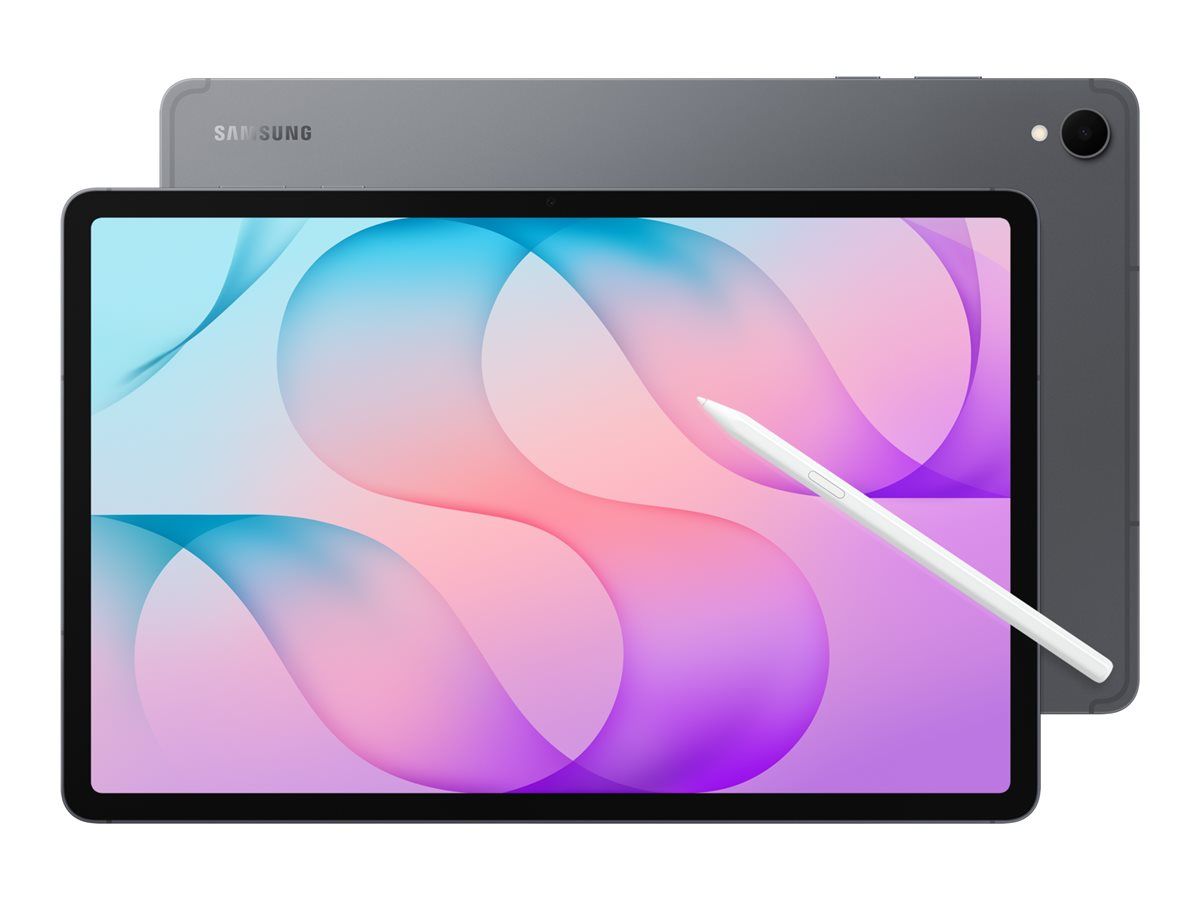
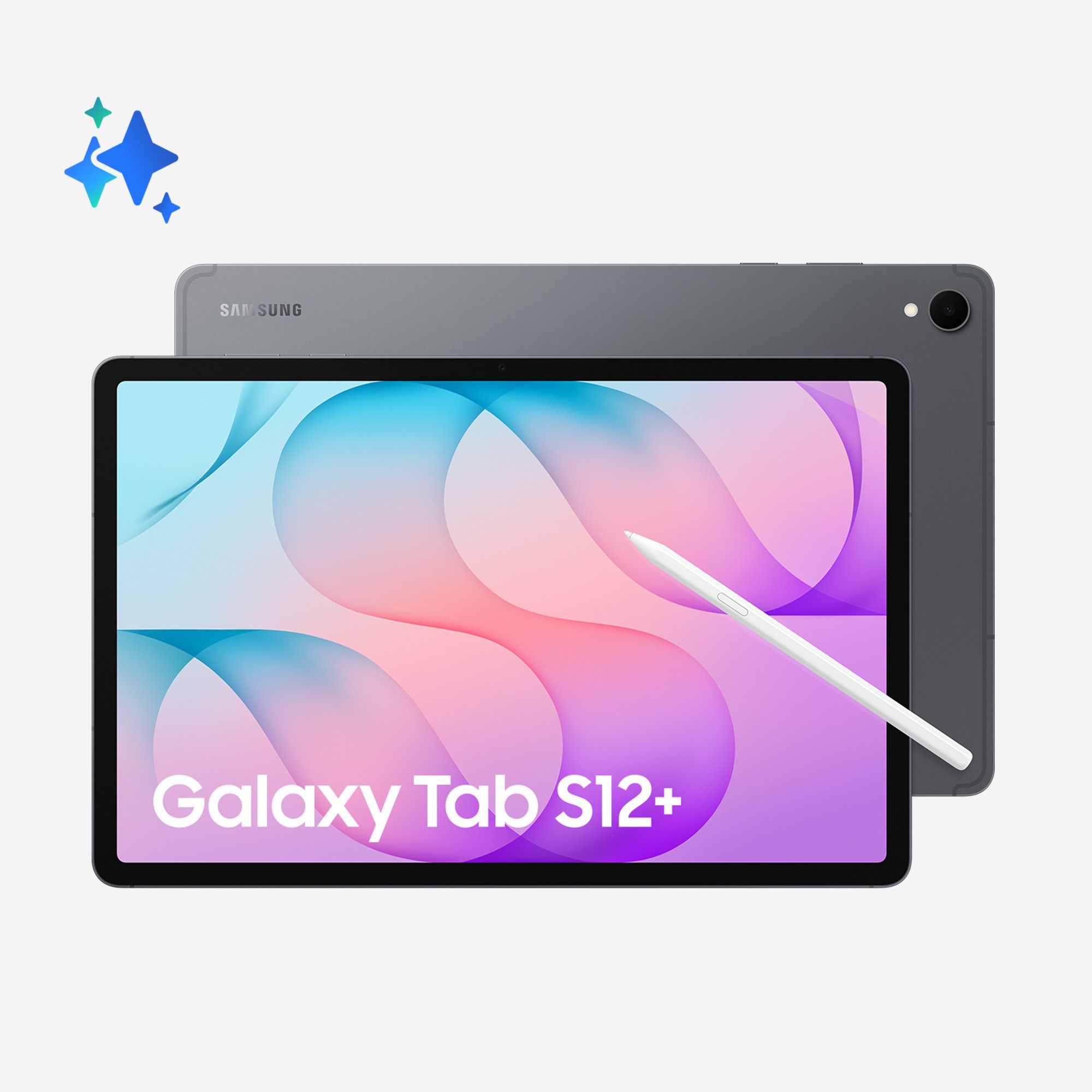
Samsung Galaxy Tab S12+ Tablet 12,6" 512 GB WiFi, Grau
FBAC4895-B52C-4E03-B099-A6A8F8B8017B Created with sketchtool. 706D6907-81E1-46A2-B8F9-7B702A1EF2C7 Created with sketchtool. 6A870209-E7F5-44F5-A66F-09E20C85A0DC Created with sketchtool. 0BB04D6C-A9AB-4913-BF4F-5A23954E68E1 Created with sketchtool. 501E26C7-66C1-4DAA-B740-6CFAF55A1B39 Created with sketchtool. C105F7D3-D5EE-43C9-9EE8-05CC42B296D4 Created with sketchtool. D94689D8-7CBB-41C8-AC06-F79D81FF82D5 Created with sketchtool. DA4C7ED9-2512-4D52-94F0-92800F2A6E04 Created with sketchtool. 42E133FD-828F-4CF4-A0BF-560014487A57 Created with sketchtool. F52D9745-4BFD-4506-BEEF-630FD09EF2D9 Created with sketchtool.
Auf Lager
Sofort versandfertig, Lieferfrist: 2-3 Werktage - Vor 13:00 Uhr bestellen und wir versenden heute. Mehr Info

SONDERANGEBOT

Es gibt 5 auf Lager

Der aktuelle Preis gilt bis zum Abbau des lokalen Lagers

Versandoptionen - Klicken Sie auf eine Option, um sie auszuwählen
Versand mit DHL - PaketShop
Kostenloser Versand
Versand mit DHL zur Adresse
7,60
Versand mit GLS - PaketShop
Kostenloser Versand
Versand mit GLS zur Adresse
Kostenloser Versand
Size : 512 GB
EUR 1.499,00
ex. MwSt. 1.259,66
Gesamtbetrag inkl. Versand. 1.499,00
Data Act - Informationen zu diesem Produkt
Dieses Produkt ist ein vernetztes Produkt, das unter das EU-Datengesetz (Verordnung (EU) 2023/2854) fällt, das im September 2025 in Kraft getreten ist
Der Data Act legt Regeln für den fairen Zugang zu und die Nutzung von Daten aus verbundenen Geräten und Cloud-Diensten fest.
Ziel ist es, sowohl Verbrauchern als auch Unternehmen mehr Kontrolle über die von ihren Geräten erzeugten Daten zu geben und Innovation, Wettbewerb und Datenaustausch in der EU zu fördern

Das Gesetz wird unter anderem sicherstellen, dass:
- vernetzte Produkte in der EU eine faire gemeinsame Datennutzung ermöglichen;
- Nutzer frei zwischen Diensten wählen und wechseln können;
- Unternehmen leichteren Zugang zu Betriebsdaten von Geräten haben, um ihre Effizienz zu steigern;
- und missbräuchliche Vertragsbedingungen, die die gemeinsame Datennutzung behindern, verboten sind
mehr über den Data Act können Sie auf der offiziellen Website der Europäischen Kommission lesen
digital-strategy.ec.europa.eu/de/policies/data-act


One charge. 21 hours.
Equipped with a long-lasting 10600 mAh battery, Galaxy Tab S12+ lets you spend your time learning something new without worrying about battery life. With support for up to 21 hours of video playback on a single charge, the large-capacity battery gives you the freedom to stay productive from morning to night, whether you're making the most of your commute or studying at a coffee shop after work. And when it's time to recharge, Super Fast Charging 2.0 gets you back to what matters with less waiting.

Our brightest Dynamic AMOLED 2X display.
See your bold ideas come to life on the massive 12.6-inch Dynamic AMOLED 2X display of Galaxy Tab S12+, delivering brilliant visuals both indoors and outdoors. Paired with a slim bezel, the screen offers an immersive viewing experience — whether you are sketching concepts in the park, editing creative projects in the studio or streaming your favourite shows at home. The upgraded Seamless Vision Booster automatically adjusts the contrast and colour to match your surroundings for a brighter and clearer picture, even in direct sunlight.

Super fast. Our 3D Vapor Chamber keeps it that way.
Engineered to handle intense workloads, Galaxy Tab S12+ features an advanced processor and upgraded 3D Vapor Chamber, delivering next-level speed while staying cool under pressure. The improved CPU, GPU and NPU effortlessly accelerate your flow — from rendering rich graphics and handling heavy multitasking to letting you enjoy AI-enabled experiences and everyday entertainment. With an enhanced thermal system that dissipates heat faster, you can edit high-resolution videos, collaborate on demanding projects or dive into gaming with reduced throttle.

Get a 6-month trial of Google AI Pro on us with expanded access to Gemini Notebook.
With Google AI Pro, get expanded access for organising your documents and sources to transform your content with Gemini Notebook on Galaxy Tab S12+, helping you study, brainstorm and create efficiently. Upload PDFs, presentations, websites, images, voice recordings and more, then ask questions based on your own materials to get relevant answers and insights. You can also create Audio Overviews, Slide Decks, Flashcards, Video Overviews and Quizzes based on your sources in just a few taps, and experience the content on the immersive large display of Galaxy Tab S12+ for optimal viewing.

Built to resist water and dust.
With IP68-rated protection against water and dust, Galaxy Tab S12+ is built to withstand whatever the day throws its way.

One UI fits all.
Optimised especially for Galaxy Tab S12+, One UI 9 helps everything flow more smoothly with a customisable home screen and multi-window views. With support for two-way and three-way split views, you can freely shift between windows with just a tap.

7x OS and security upgrades. Built to last.
Keep your Galaxy Tab S12+ supported and secure with up to 7x OS upgrades and security updates, so you can enjoy long-term use with peace of mind.

Samsung Care+. Secure your peace of mind.
Safeguard your Galaxy Tab S12+ with ultimate device protection including unlimited repairs that cover drops, spills and mechanical breakdowns plus Theft and Loss Coverage.

Galaxy Tab and Phone. Working as one.
Move effortlessly between your Galaxy devices to spend more time learning, creating and exploring.

Creative Studio with S Pen. New ways to create.
Discover exciting ways to use your imagination with Creative Studio on Galaxy Tab S12+ and the hexagonal S Pen. The Galaxy AI-powered creation tool with Nano Banana integration adds more possibilities to generate and refine images, turn drawings into images using S Pen and create personalised images with new templates like invitations, stickers and profile cards. Seamlessly combine sketches, images and text prompts with AI to create unique visual content right on your Tab. Then, use the in-box S Pen to add the final strokes and complete your creations.

Adobe Photoshop. Now on Galaxy Tab for the first time.
For the first time ever available on an Android tablet, Adobe Photoshop arrives on Galaxy Tab S12+, letting you experience pro-grade creativity in your hands. Optimised for Tab's expansive display, Photoshop gives you a spacious canvas for precise editing with a streamlined, easy-to-use layout. It works well with S Pen, too, including instant access to Quick Tools, letting you adjust settings in a flash. And with low-latency responsiveness, every stroke feels smooth and intuitive. Edit high-resolution images, create digital artwork or fine-tune designs wherever creativity takes you.

Notability. Optimised notetaking with S Pen.
Turn your thoughts into polished notes with premium note-taking tools available in Notability on Galaxy Tab S12+. Optimised for use with the S Pen, Notability delivers a smooth, low-latency writing experience that feels natural from the first stroke. Use Quick Tools to switch pens, adjust settings and keep ideas flowing as you write, sketch, annotate PDFs or organise class and meeting notes on the expansive 12.6-inch display. From study sessions to creative planning, your bright ideas stay clear and ready to share.

Now Nudge. Multi Window. Keep learning in flow.
Now Nudge and Multi Window let you complete tasks quickly with intuitive follow-up actions on Galaxy Tab S12+. Powered by Galaxy AI, Now Nudge understands the context on your screen and provides real-time action suggestions to complete tasks, reducing the steps you need to take. Whether its adding an event to your calendar, pinning a location or suggesting a reply, it knows what you need even before you ask. Selecting an action automatically launches apps in Multi Window by pairing them together onscreen, so you can seamlessly complete your task with both app windows in sight.

Dynamic AI Agents. Flexible assistance, your way.
Get instant help whenever inspiration strikes with easy access to Dynamic AI Agents on Galaxy Tab S12+. With support for Bixby, Gemini and Perplexity, you can seamlessly switch between AI agents and choose the one that best matches your needs. Launch effortlessly by long-pressing the side button on your Tab, by tapping the Galaxy AI Key on the keyboard or just by saying a wake word. One simple action brings you the AI assistance you need to boost your productivity, generate creative ideas, draft emails, organise projects and more.

Hours of notes. Summarised in seconds.
Stay focused on what matters with useful note summaries using Note Assist on Galaxy Tab S12+. In the Samsung Notes app, simply tap the Galaxy AI button and select Summarise to turn lengthy notes into a concise overview. The summary appears in a convenient split-screen view on the right, letting you review the key points alongside your original notes. Choose between Standard or Detailed summaries, then copy, replace or add the summary to your note for easy organisation and follow-up.

Your essential apps. Designed for Galaxy Tab.
Galaxy Tab S12+ comes preloaded with apps like Photoshop, Notability, Goodnotes, LumaFusion, Clip Studio Paint and Notion, making it easy to design, annotate, take notes, edit, draw and stay organised from the start. Youll also have access to optimised apps like MyScript Notes, MyScript Math, Noteshelf 3 and ArcSite, all designed to run smoothly and enhance your creative experience.

4-channel audio system. Sound that surrounds you.
Experience rich, immersive spatial sound with Galaxy Tab S12+'s 4-channel audio system, wherever you watch, play or listen. The powerful 4-speaker system creates a wide and lifelike soundstage with balanced, room-filling audio that makes movies and music feel all around you. Whether you're streaming your favourite series, joining a concert livestream or taking a break with a podcast, the audio system detects the source and automatically adjusts sound settings to provide a clear, full and engaging experience without needing external speakers.

Samsung DeX. Learn smarter with PC-like productivity.
Samsung DeX transforms your Galaxy Tab S12+ into a PC-like desktop, offering a seamless multitasking environment with up to 4 workspaces. See a thumbnail preview of each workspace on the top of your Tab's screen, move apps freely between workspaces or remove them easily to keep your workflow smooth. To use multiple apps simultaneously, just snap one of them to one side of the screen and Tab will recommend a list of apps to pair it with from your recently used apps history.